How To Use Migration Monkey For Website And Email Migrations
Migration Monkey is designed for site owners, agencies, hosts, and operators who need a repeatable way to move websites and mailboxes without sending customer payload archives through the control plane. The workflow starts with authorization, detects the app or mailbox profile, estimates credits, then guides the source and destination through a direct transfer path.
1. Request Access Or Sign In
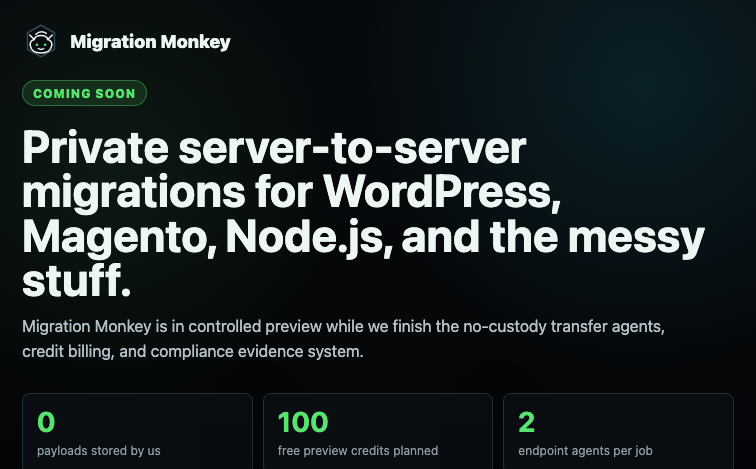
The public site is behind an account gate while the platform is in controlled preview. Users sign in, request access, or use Google identity for account access. The login screen avoids prefilled owner data and keeps the platform behind a paywall until access is approved.
2. Create A Workspace And Confirm Authorization
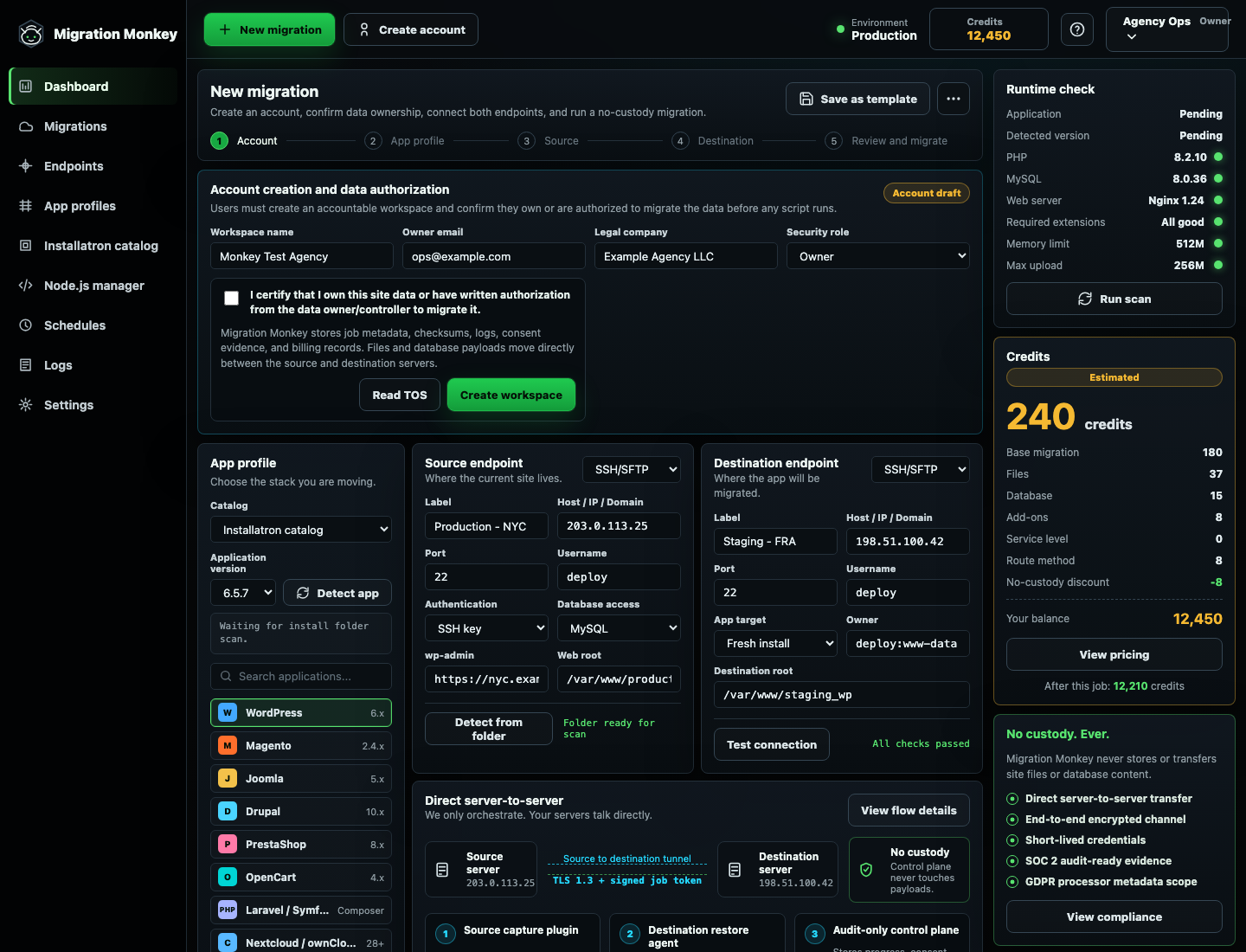
Every migration should start with an accountable workspace and data ownership confirmation. Migration Monkey records consent and job metadata while files, databases, and mailbox messages move directly between customer-controlled endpoints whenever possible.
3. Choose Or Detect The App
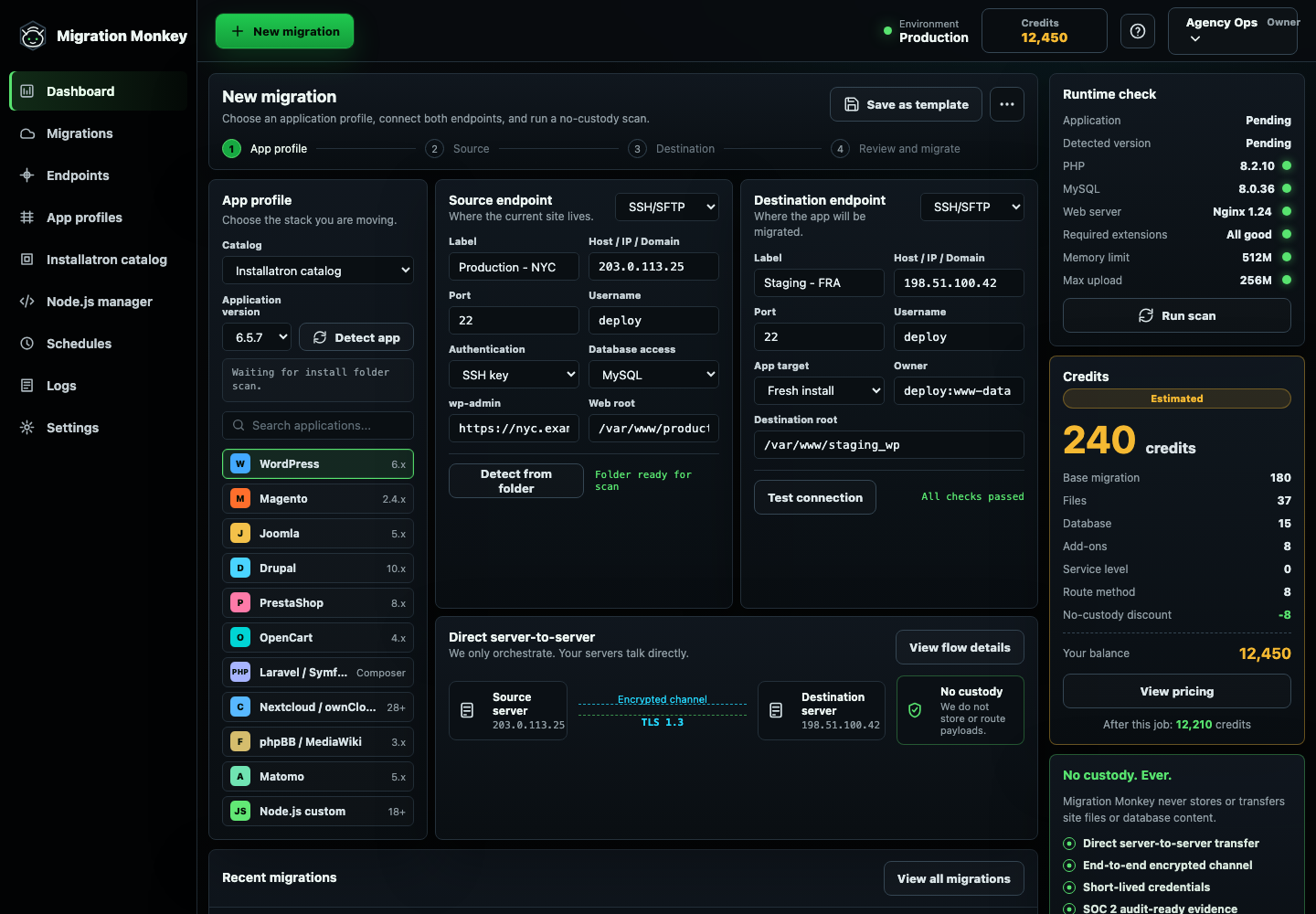
Pick WordPress, Magento, Joomla, Drupal, PrestaShop, OpenCart, Laravel, Node.js, Nextcloud, email, or another profile. For real jobs, the analyzer should inspect the install folder or mailbox route instead of pricing every migration as if it were the same stack.
4. Enter Endpoint Details Without Saving Passwords
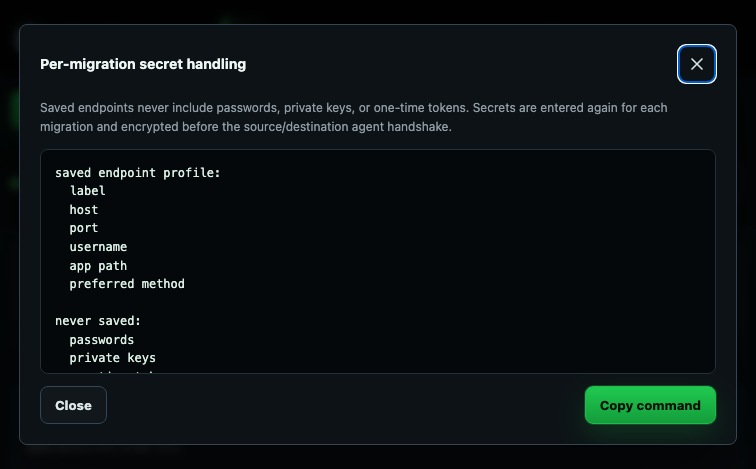
Source and destination server profiles can be saved as labels, hosts, usernames, app paths, and preferred methods. Passwords, private keys, database passwords, OAuth tokens, and one-time secrets are entered per migration and should not be stored in reusable endpoint profiles.
5. Review Credits, Warnings, And Logs
The credit estimate changes by app type, file size, database size, mailbox route, domain rewrite, service level, source constraints, and no-custody transfer discount. Operators should review warnings for Cloudflare, Sucuri, Help4.net proxy, WordPress.com export-only plans, email throttling, database imports, and runtime mismatches before starting the move.
Related Migration Tutorials
Use the how to migrate my site route finder to pick a software-specific tutorial. Start with WordPress migration, Magento migration, Node.js migration, Laravel migration, or email migration.